
Embed Domo dashboards in a portal your customers can sign in to
EmbedPortal embeds Domo Everywhere dashboards and cards inside your branded portal. Add a dashboard by its embed ID, place it in a folder, choose which groups see it, and filter the data per viewer with programmatic filters.
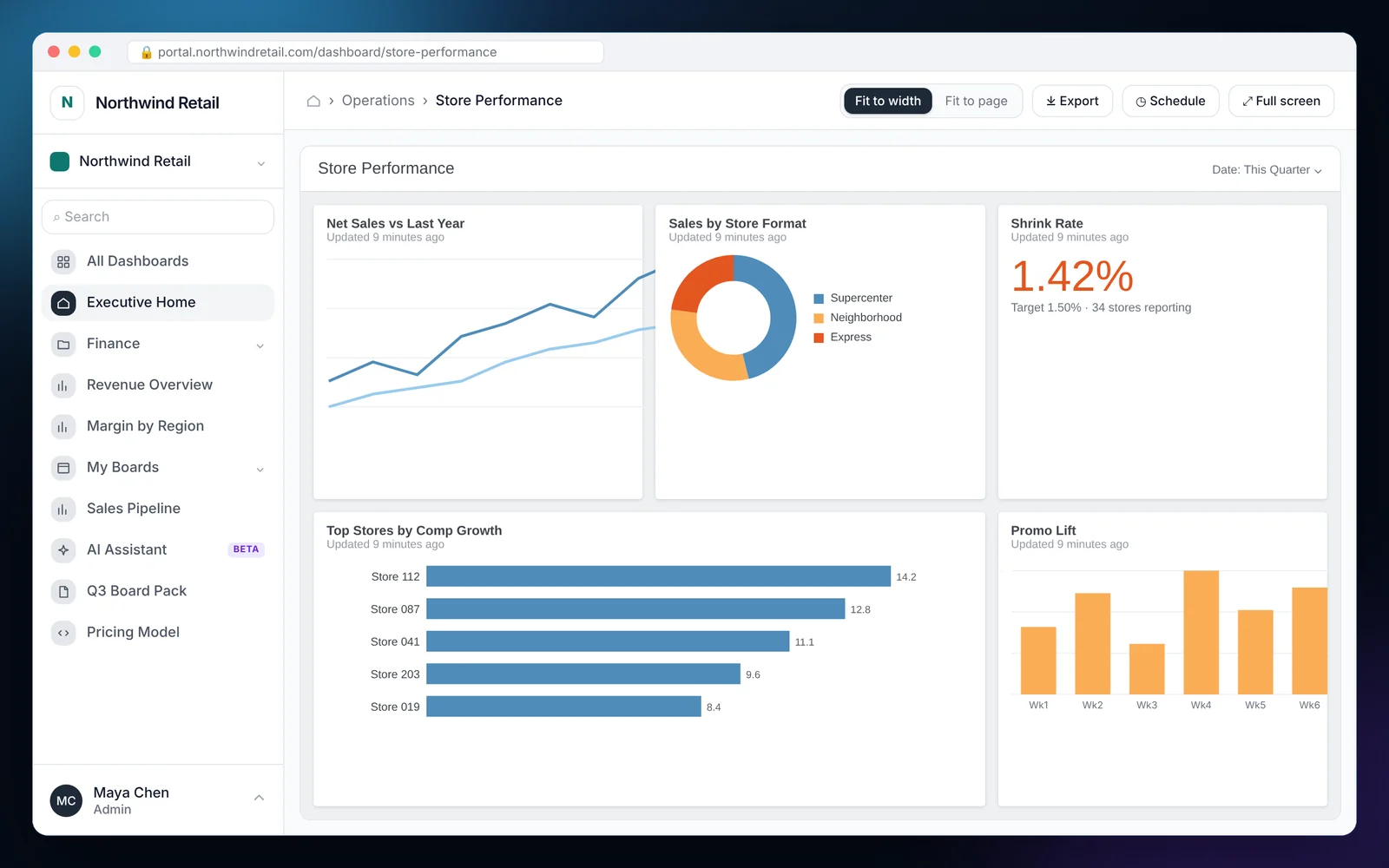
How to embed Domo
Most teams finish these steps in under an hour.
Create an embed in Domo
In Domo Everywhere, create a private embed for the dashboard or card and copy its embed ID.
Connect Domo
Add your Domo client credentials under Integrations in EmbedPortal.
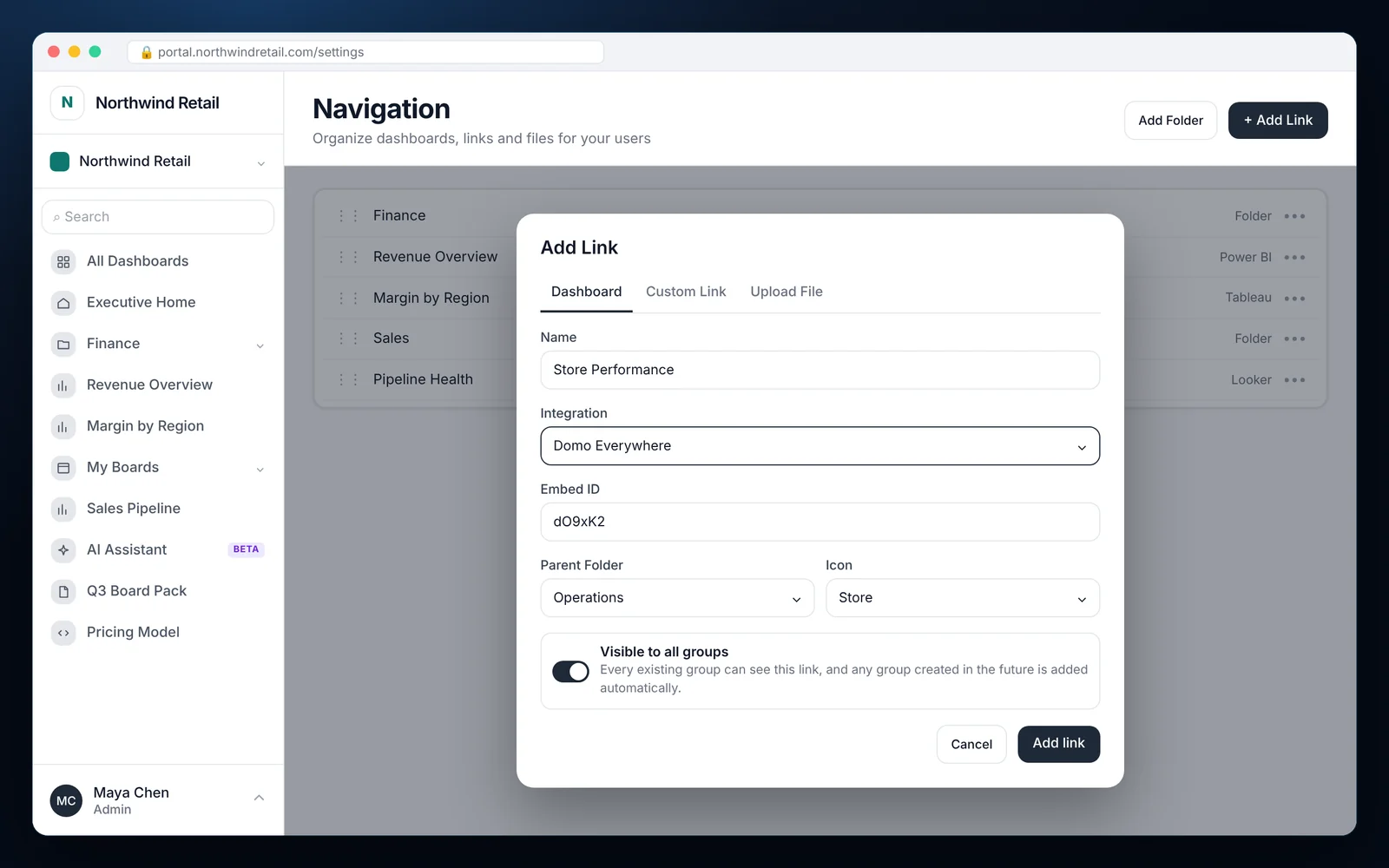
Add the dashboard
Choose Add link, select Domo, paste the embed ID and pick a folder and icon.
Set visibility and filters
Choose the groups that can see it and map RLS keys to Domo programmatic filters.
What it looks like in EmbedPortal
Domo features
Private embeds
Dashboards load through authenticated embed tokens, not public links.
Programmatic filters
Filter each viewer's data by tenant, region or account using group RLS keys.
Folders and icons
Organize Domo content into the same navigation as your other tools.
Visible to all groups
Share a dashboard with every current and future group in one switch.
Branding
Your logo and colors around Domo content, on your own domain.
Usage tracking
See who opened which Domo dashboard and how often.
Why teams embed Domo with EmbedPortal
Domo Everywhere handles the rendering. EmbedPortal handles everything around it: sign-in, groups, navigation and an admin your team can run without engineering help.
If you use Domo for some teams and another BI tool for others, your customers still get one portal and one login.
Common questions
How do I embed a Domo dashboard in a website or app?
Create a private embed in Domo Everywhere, connect Domo to EmbedPortal, then add the dashboard using its embed ID.
Can I filter embedded Domo data per customer?
Yes. Map group RLS keys, such as customer ID, to Domo programmatic filters so each viewer sees only their records.
Can Domo dashboards sit next to Power BI or Tableau reports?
Yes. EmbedPortal shows content from every connected tool in one navigation.
Share your first dashboard this week.
Connect your BI tool, set up groups and row-level security, and invite viewers. One flat price with unlimited viewers.