
Embed Amazon QuickSight dashboards in a branded customer portal
EmbedPortal connects to your AWS account and embeds QuickSight dashboards for the users you invite. Each viewer's group attributes are passed as session tags, so QuickSight row-level security filters the data. You manage users, navigation and branding in EmbedPortal instead of building it yourself.
How to embed Amazon QuickSight
Most teams finish these steps in under an hour.
Prepare an IAM role
Create a role that lets EmbedPortal generate QuickSight embed URLs for your dashboards.
Allow your portal domain
Add your portal domain to the QuickSight allowed domains list so dashboards can render there.
Connect QuickSight
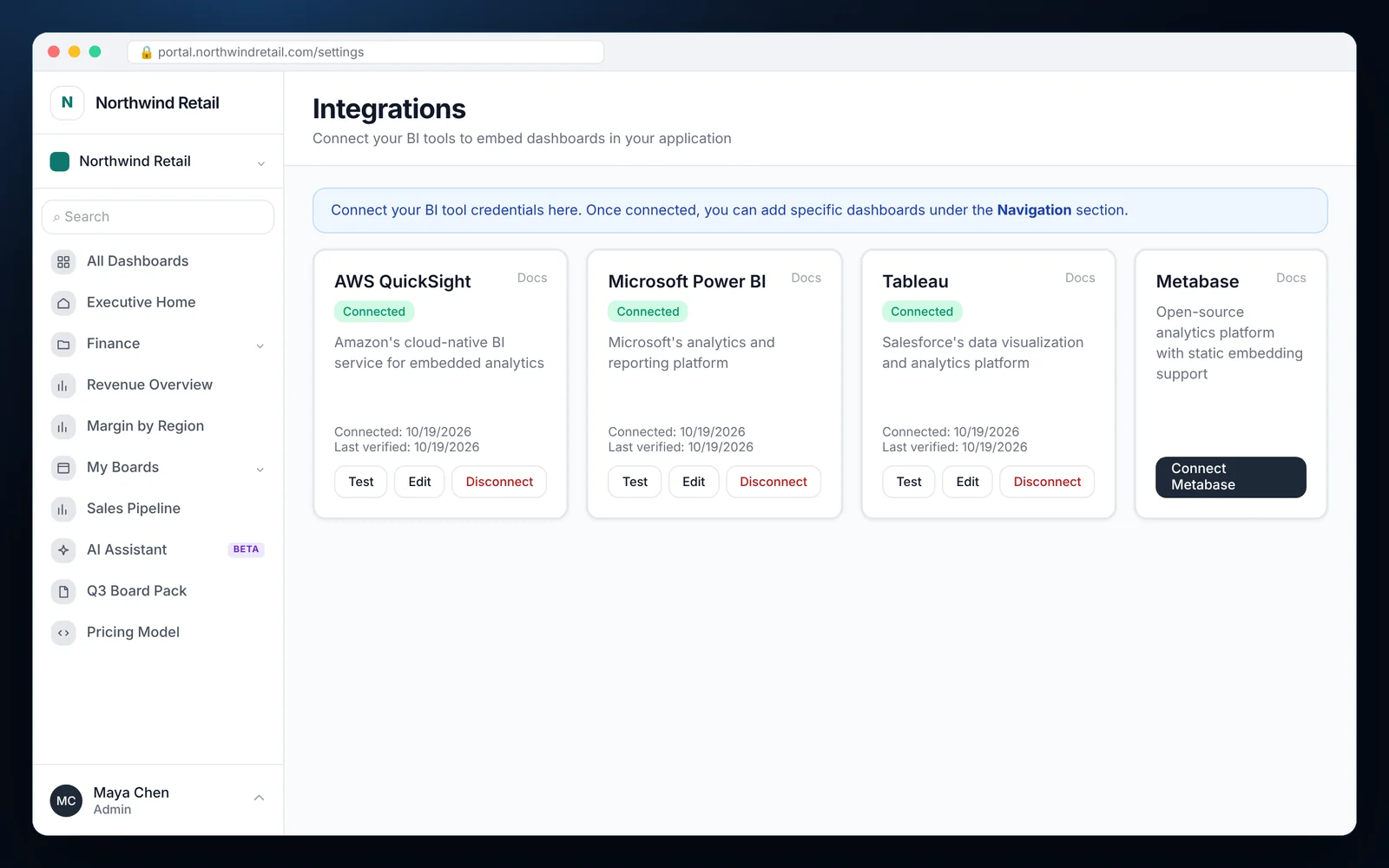
Choose Connect AWS QuickSight under Integrations, enter the account and region details, and click Test.
Add dashboards
Select dashboards by ID, place them in folders and choose which groups can see them.
Map RLS session tags
Use group RLS keys such as tenant or region. They are sent as session tags with each embed request.
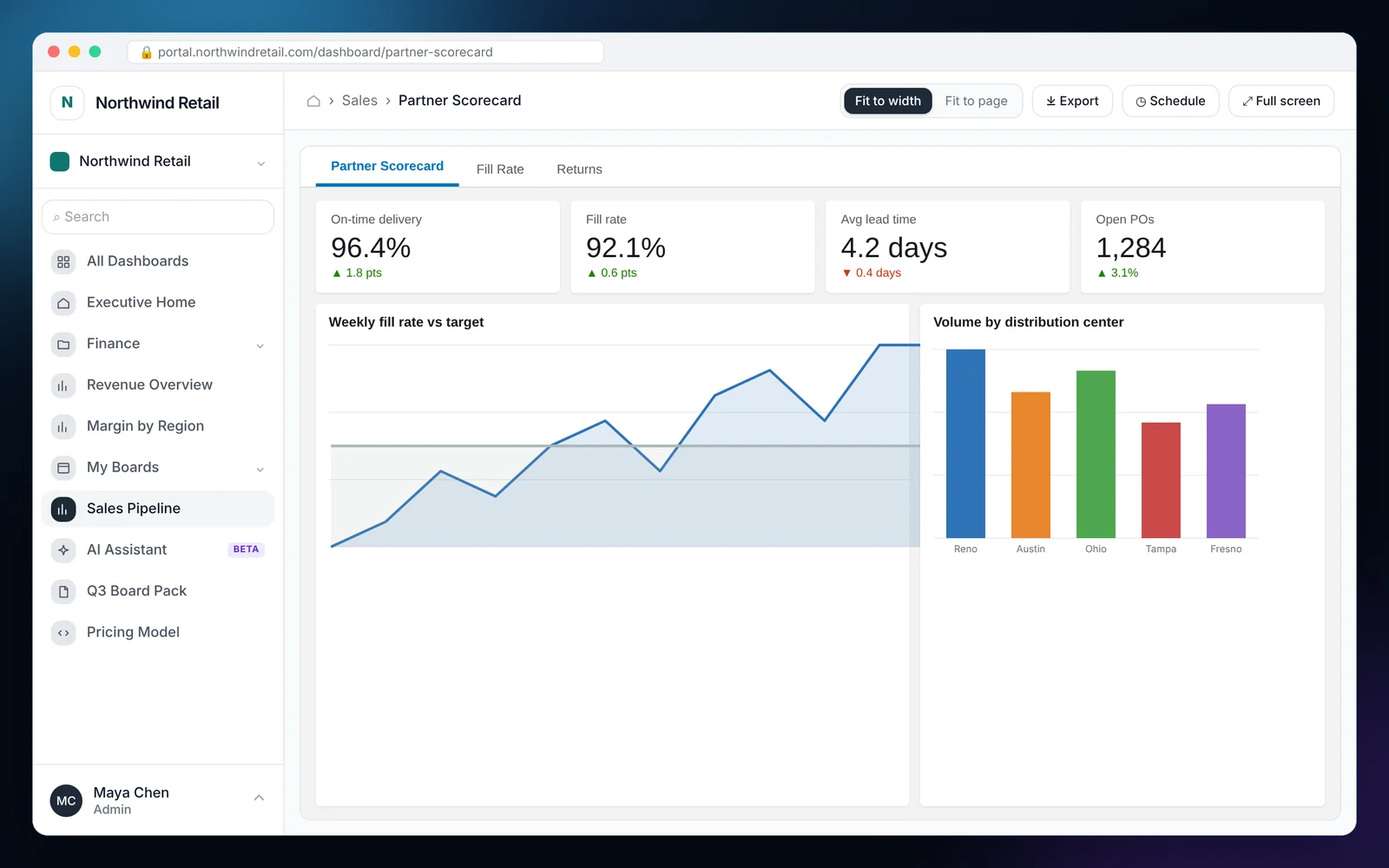
What it looks like in EmbedPortal
Amazon QuickSight features
Anonymous or registered embedding
Embed for viewers without creating a QuickSight user for each one, or use registered users when you need to.
Session tag RLS
Pass tenant, region or plan values as session tags so each viewer sees only their data.
One portal for all tools
Show QuickSight next to Power BI, Tableau and other sources in the same navigation.
Connection health
See when each integration was connected and last verified, and test it with one click.
Usage analytics
Track renders and unique viewers for each QuickSight dashboard.
White-label everything
Your logo, colors and domain. Viewers never see an AWS console.
Why teams embed QuickSight with EmbedPortal
QuickSight embedding APIs are powerful, but you still need a login page, a user directory, a way to group customers and a place to put the dashboards. That is a product in itself.
EmbedPortal is that product. It handles sign-in, groups, navigation, branding and auditing. QuickSight handles the analytics and data security through session tags.
The result is a customer-facing analytics portal you can launch in a day instead of a quarter.
Related reading: QuickSight embedded alternative
Common questions
How do I embed a QuickSight dashboard in a web application?
Connect your AWS account to EmbedPortal, add the dashboard ID, and assign it to a group. EmbedPortal generates the embed URL for each viewer and renders it inside your portal.
How does row-level security work for embedded QuickSight?
Set up tag-based RLS on your QuickSight dataset. EmbedPortal sends each viewer's RLS keys as session tags, and QuickSight filters rows to match.
Do my customers need QuickSight accounts?
Not with anonymous embedding. Viewers sign in to EmbedPortal, and QuickSight is billed on your capacity or session pricing.
Can I mix QuickSight with Power BI or Tableau?
Yes. One portal can show dashboards from every connected BI tool side by side.
Share your first dashboard this week.
Connect your BI tool, set up groups and row-level security, and invite viewers. One flat price with unlimited viewers.