
Embed Metabase dashboards with signed tokens and locked parameters
EmbedPortal uses Metabase static embedding. It signs a short-lived token for each viewer and locks parameters such as customer ID from their group, so a viewer cannot change the URL to see someone else's data.
How to embed Metabase
Most teams finish these steps in under an hour.
Enable static embedding
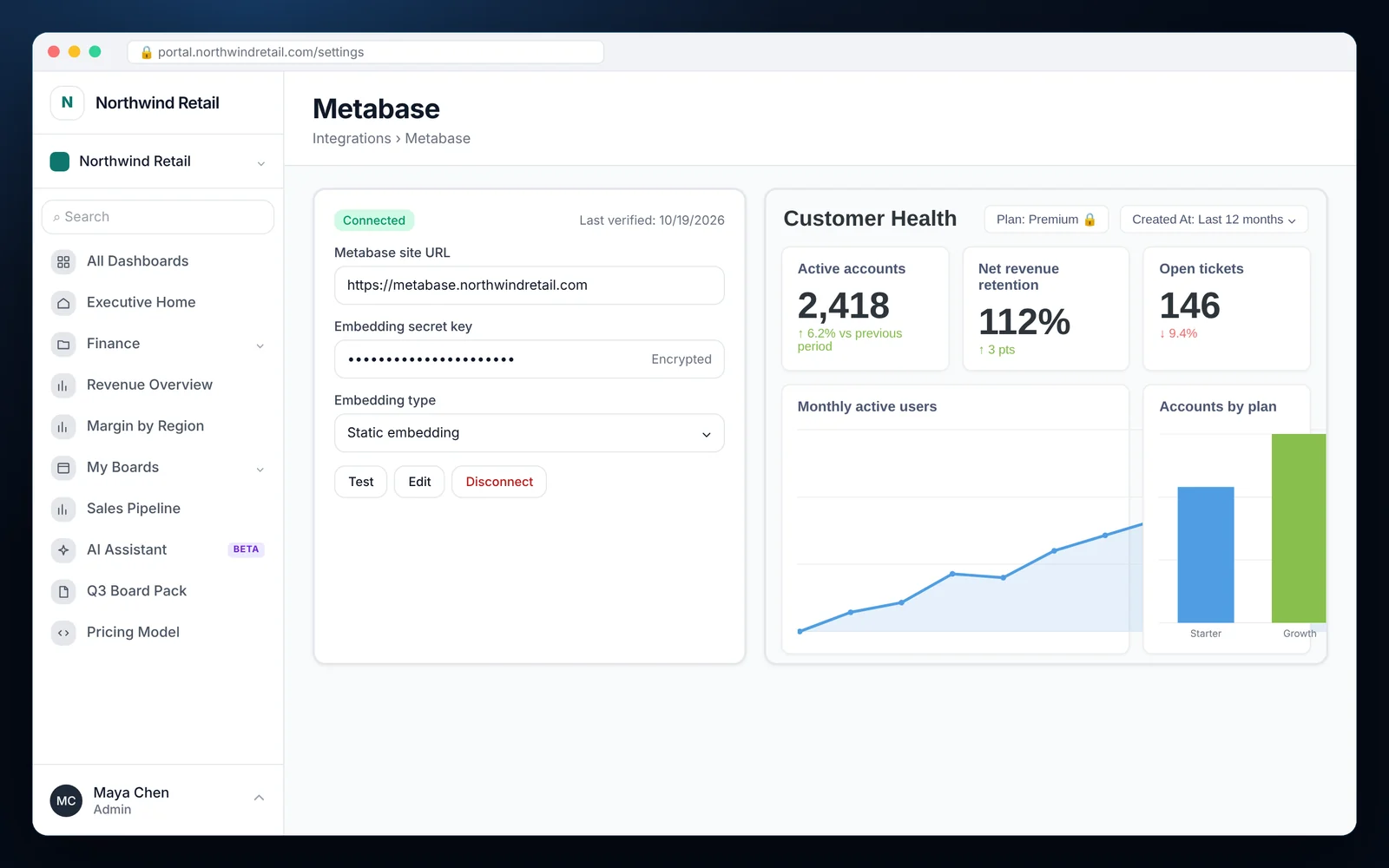
In Metabase admin settings, turn on static embedding and copy the embedding secret key.
Connect Metabase
Add your Metabase site URL and secret key under Integrations, then click Test.
Publish the dashboard for embedding
In Metabase, enable embedding on the dashboard and mark the parameters you want locked.
Map locked parameters
Match each locked parameter, such as customer_id, to an RLS key in EmbedPortal.
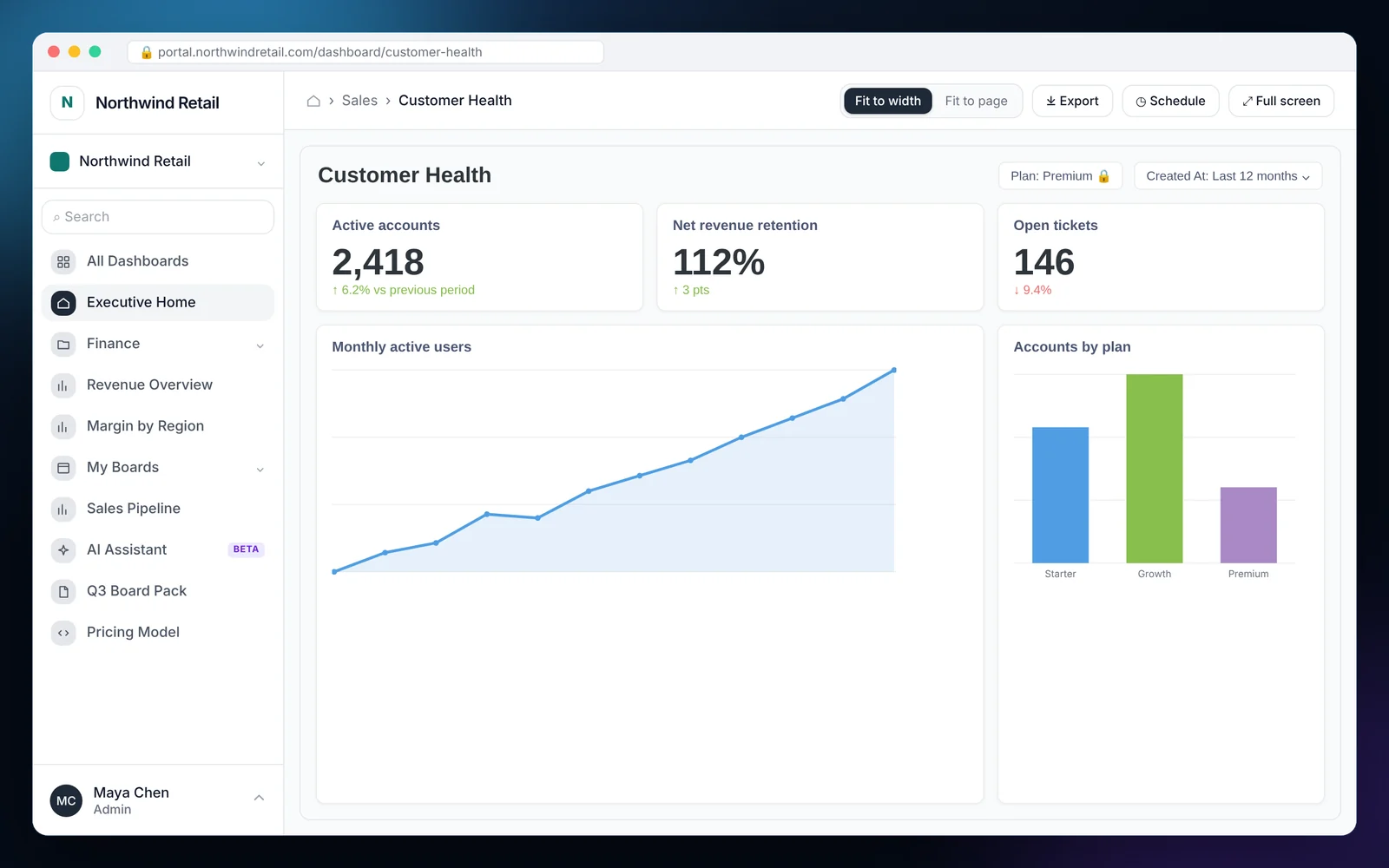
What it looks like in EmbedPortal
Metabase features
Signed static embeds
Every request carries a signed JWT with a short expiry.
Locked parameters
Tenant and region values are signed into the token, not passed in the URL.
Open source friendly
Works with self-hosted Metabase and Metabase Cloud.
Connection status
See when Metabase was connected and last verified.
Portal around it
Login, groups, folders and branding are handled for you.
Mix with other tools
Metabase dashboards can sit next to Power BI, Tableau or uploaded files.
Why teams embed Metabase with EmbedPortal
Metabase static embedding is simple, but you still need to sign tokens on a server and decide which customer is which. EmbedPortal does both.
That gives you secure, per-customer Metabase dashboards without writing a token service or a login page.
Common questions
How do I embed a Metabase dashboard in my app?
Enable static embedding in Metabase, connect it to EmbedPortal with your site URL and secret key, then add the dashboard and assign it to groups.
How do I filter embedded Metabase dashboards by customer?
Lock the customer parameter in Metabase and map it to an RLS key in EmbedPortal. The value is signed into each viewer's token.
Does it work with self-hosted Metabase?
Yes. Use your own Metabase URL and embedding secret key.
Share your first dashboard this week.
Connect your BI tool, set up groups and row-level security, and invite viewers. One flat price with unlimited viewers.