
Your Power BI embed can look perfect in staging, then fall apart the moment an outside customer opens it at 8:07 a.m. on a Tuesday. That is the real story with Power BI external users: the chart usually is not broken, but the setup behind it is. If you want embeds that survive real customer traffic, you need to fix access, licensing, capacity, and data design before you polish another visual.
1. Start by separating the 3 ways external users actually access Power BI
Most external-user problems start with a category mistake. You picked one access model, then expected it to behave like another. That is like handing somebody a house key and expecting it to work like a hotel keycard.
The three common paths are B2B guest access, embedded for customers, and publish to web. Each solves a different problem. If you blur them together, breakage shows up later as login loops, missing reports, or permissions that never seem to line up.
B2B guest access
B2B guest access is the Microsoft collaboration model. You invite outside people into your tenant as guest users, then share reports, apps, or workspace content with them. This can work well for partners, clients, or a small number of known users who already live comfortably in Microsoft 365.
The catch is that you are asking external people to behave like invited collaborators inside your environment. That means guest invites, tenant policies, workspace access, sharing permissions, and licensing all have to be right. If any one piece is off, the report shell may open while the actual content does not.
Embedded for customers
Embedded for customers is the app-owns-data route. Your app handles identity and access, and the customer experiences the report inside your product instead of inside the Power BI service. For customer-facing software, this is usually the cleaner fit.
This model avoids forcing every customer into your tenant as a guest. It also gives you tighter control over the user experience. But it raises the stakes on architecture, because licensing, capacity, row-level security, and token generation now carry the load.
Publish to web is public, not external sharing
Publish to web is not secure external access. It is public internet publishing. Anyone with the link can view it, and in some cases search engines can discover it.
That makes it useful for public dashboards, not customer data. Treating publish to web as a shortcut for real external-user sharing is one of the fastest ways to create a security mess you will regret later.
2. Fix licensing first, because this is where external access quietly falls apart
A lot of embeds do not fail because of code. They fail because the licensing model never matched the audience. Everything seems fine during a limited rollout, then you add more customers and suddenly sign-in prompts appear where you thought you had a clean embedded experience.
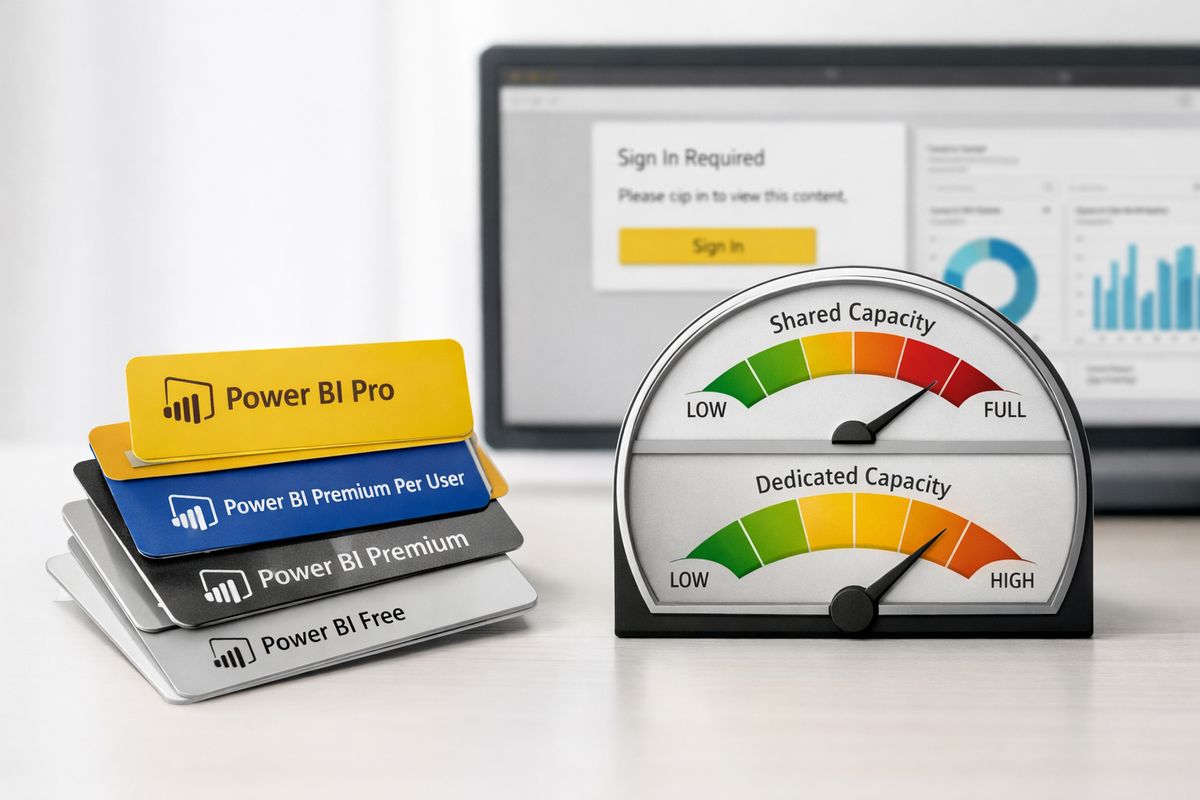
Here is the blunt version: F64 or higher changes the rules. On F64 and above, consumers can view Power BI content without each person needing Pro or PPU. On F2 through F32, every consumer still needs Pro or PPU to view content. If your plan assumes cheap capacity plus no per-user licensing, your setup is already headed for trouble.
The F64 threshold changes the experience
Smaller Fabric capacities can look attractive because the entry price feels manageable. But for external audiences, those lower tiers can leave you stuck paying for capacity and still dealing with per-user license requirements. That is where teams get blindsided.
Then growth hits. Maybe you go from twenty outside users to two hundred. Maybe a new customer wants broad access across a field team. Suddenly the model that looked affordable requires a jump, and the jump can be painful. In practice, moving toward F64 can mean a sharp spend increase, sometimes close to four times what you were budgeting.
Pro, PPU, Premium, and Embedded in plain English
Pro is the per-user collaboration license. It makes sense when named users need access in the Power BI service and your audience is still fairly contained.
PPU, or Premium Per User, adds more premium-style features at the user level, but it is still a per-user model. It is rarely the clean answer for broad customer-facing access.
Premium and Fabric capacity shift the model toward capacity-based consumption. That can be better for larger external audiences, but only once you are at the right tier.
Embedded is the app-facing route that lets your product present the analytics experience directly. For external users in a SaaS app, this is often the right shape, but only if the capacity and identity choices behind it are solid.
Cost mistakes that become access mistakes
Budget choices turn into user-facing problems faster than most teams expect. A licensing mismatch becomes a login prompt. A too-small capacity turns into rollout delays because legal, IT, or procurement now has to untangle per-user access after launch plans were already announced.
That is why licensing belongs at the front of the design, not at the end. If you get this wrong, your customers will feel the mistake before your finance team does.
3. Stop forcing customer users through the wrong identity flow
If your outside users are getting bounced through awkward sign-in screens, tenant switching, or guest-user confusion, the identity flow is wrong. Simple as that.
An internal test proves almost nothing here. Internal users already sit inside your tenant context, often with broad permissions and cached sessions. External users do not. That difference is where the pain lives.
Guest invitations and tenant settings
Guest sharing has to be enabled. Invite permissions have to allow the right people to bring in external users. Guest policies, workspace access, and sharing settings all have to match. Miss one of those and the embed can fail in ways that feel random.
Microsoft supports external collaboration here, but support does not mean simplicity. Power BI also documents sharing semantic models externally, which is useful, but it still depends on the surrounding permission chain being correct.
Tenant switcher confusion
This one catches people constantly. A guest user signs in, lands in the wrong organization context, and sees nothing useful. From your side, the report exists. From the customer side, it looks empty or missing.
The problem is not always access itself. Sometimes it is context. If the user has access to multiple tenants, the wrong tenant can make a valid report look broken.
When embedded sign-in should replace direct service sharing
If your customers use your app, not Microsoft collaboration tools, stop making the Power BI service the front door. Embedded customer-facing access is often cleaner because it matches how the customer already works.
Asking every outside user to act like an internal Microsoft 365 collaborator creates friction you do not need. If the product experience lives in your app, the analytics experience should usually live there too.
4. Don’t let permissions sprawl break the embed
https://www.youtube.com/watch?v=oE2fz0ug3Ik
External access is not one permission. It is a chain. Report access, semantic model access, app distribution, workspace roles, row-level security, and build rights can all matter.
That is why permission sprawl is so dangerous. One layer says yes, another says no, and your customer gets a blank frame or a useless error.
Report access is not semantic model access
This is a classic failure mode. A user can open the report itself but cannot query the underlying semantic model. So the shell loads, maybe even the title bar appears, but visuals fail or sit there spinning.
Power BI explicitly separates report sharing from semantic model permissions. If your setup treats those as the same thing, external users will find the gap for you.
App, workspace, and link settings
Apps, workspaces, and sharing links overlap in messy ways. A link can be too open. An app can be unpublished or outdated. A workspace role can be too broad for comfort or too narrow to work.
Power BI has multiple collaboration surfaces, including workspace roles and report sharing paths, which is exactly why teams lose track. The more manually you manage each exception, the more drift you create.
Security groups beat one-off invites
Once your external audience grows beyond a handful of people, one-off invites become a maintenance trap. Security groups give you cleaner onboarding, cleaner offboarding, and fewer weird leftovers months later.
That matters more than it sounds. Permission cleanup is boring until a former customer contact still has access and nobody can explain why.
5. Use row-level security carefully, or your customers will see errors instead of filtered data
Row-level security, or RLS, is just a rule that limits which rows each user can see. It is powerful, especially in multi-customer setups. It is also fragile when the identity mapping underneath it is sloppy.
When RLS breaks, customers do not experience it as a subtle data issue. They experience it as missing data, empty visuals, or broken trust.
Map identities to tenant data cleanly
Your user-to-customer mapping needs to be stable and obvious. If one email format maps to customer IDs in one table but not another, problems show up fast. If a customer user belongs to more than one account, your logic needs to be explicit about how that works.
This is where homegrown shortcuts come back to bite. A simple mapping table with clean ownership beats clever logic hidden in three different places.
Test “wrong user” scenarios on purpose
Do not just test the happy path. Test with a fresh guest account, an expired invite, a user with revoked access, and a person attached to multiple customer accounts. Test the weird cases before customers do.
Those scenarios expose the exact cracks that admin accounts hide. An admin can accidentally make a bad design look fine.
Know when to use workspace isolation instead
Sometimes shared-model RLS is the right answer. Sometimes it is not worth the fragility. If customers need strong separation, custom logic, or very different data shapes, separate workspaces or separate models can be easier to manage and safer to trust.
More duplication, yes. Less confusion, often yes too.
6. Capacity bottlenecks are one of the fastest ways to make external users think the embed is broken
If your capacity plan is weak, your external-user experience will break under success. Not under failure. Under success.
That is the ugly part. The more customers use the embed, the more likely shared compute becomes the problem.
Shared capacity means noisy neighbors
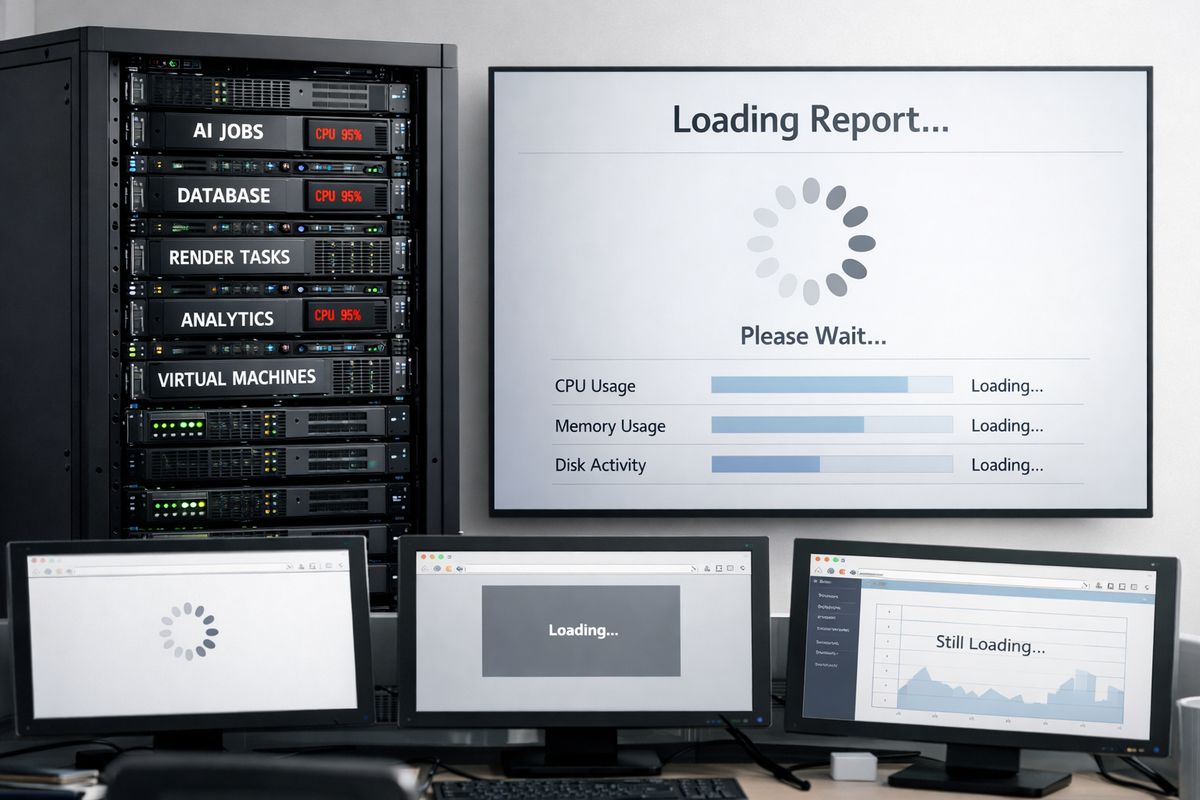
Power BI Embedded runs on shared compute. One customer running a heavy query against a huge dataset can slow down everyone else on that same capacity. To the affected customer, it looks like your app is unstable. To you, it may look random.
But it is not random. It is contention.
Slow loads, throttling, and timeout symptoms
The symptoms are familiar: long spinners, visuals that half-load, intermittent failures, export actions that stall, and refresh lag that seems impossible to reproduce on demand. Customers usually describe this as “sometimes the dashboard is broken.”
That wording matters. Nobody says, “your capacity is oversubscribed.” The symptom lands as product unreliability.
Plan capacity around peak moments, not average traffic
Average traffic lies. Your embed needs to survive Monday-morning logins, month-end review meetings, customer demos, and overlapping refresh jobs. Sizing for quiet afternoon usage is how teams end up surprised by their own growth.
A good test is simple: can your setup survive concurrent bursts without one customer dragging down another? If you do not know, you do not have a capacity plan yet.
7. Clean up your semantic model before external users touch it
The semantic model is the business-friendly layer between raw data and the report. If that layer is messy, external users will hit the fallout first because the embed leaves less room for manual rescue.
Internal users can sometimes work around a bad field name or a confusing metric. Customers cannot. And should not have to.
Avoid duplicate metric logic across tools
If you use dbt and Power BI, the catch is obvious once you see it: you can end up with two semantic layers. Definitions drift. A metric gets updated in one place, not the other, and by the next sprint your dashboard no longer matches what the product team expects.
That mismatch is poison for embedded analytics. Customer-facing metrics need one owner and one definition path.
Keep field names and schemas stable
Stable schemas are not glamorous, but they save embeds. A renamed column, changed data type, or messy header can quietly break visuals, filters, bookmarks, and refresh processes. Even stable schemas are called out as a requirement in Power BI data workflows for a reason.
Change management matters here. If upstream teams can rename anything at any time, your embed is living on borrowed time.
Share semantic models deliberately
Power BI does support external semantic model sharing, and that is useful. But supported does not mean simple. Ownership, permissions, and workspace boundaries still need a plan or you will end up with a model that technically can be shared and practically cannot be used.
8. Replace fragile manual data flows with automated refresh and stable connectors
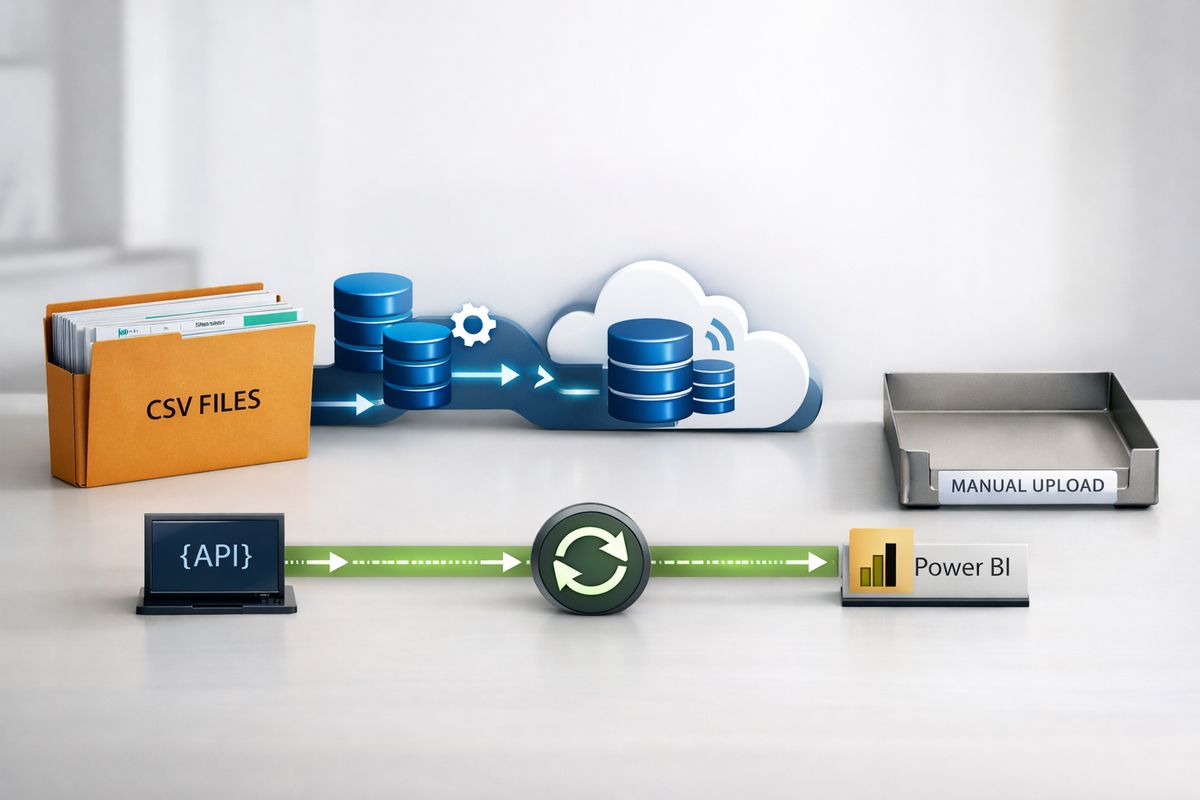
External-facing embeds are much less forgiving than internal dashboards. If your data arrives through manual CSV uploads, ad hoc exports, or a script one person understands, the breakage will show up at the worst possible moment.
And yes, it will happen right before somebody important opens the report.
Manual exports always fail at the worst time
Picture the moment: a customer checks the dashboard at 8:07 a.m. before a board prep call and sees yesterday’s numbers because somebody forgot the upload. Nothing about the visual is broken, but the experience is still a failure.
Manual exports are fine for one-off analysis. For external embeds, they are a trap.
Native connectors and APIs reduce breakage
Automated refresh through API access is far more reliable than recurring file uploads. Supported connectors also beat custom scraping, nested JSON cleanup, and one-off Power Query logic that nobody wants to touch six months later.
A good example is survey data. Some tools push data into Power BI quickly and cleanly. Others force custom M code, pagination handling, and constant cleanup just to keep a dataset usable.
Watch for schema drift in upstream systems
Schema drift upstream becomes refresh failures downstream. Sometimes it is loud. Sometimes it is quiet, which is worse. A renamed field or reformatted response value can leave visuals blank while the dataset still technically refreshes.
That is why connector quality matters. Fewer transformations usually means fewer hidden failure points.
9. Design for multi-tenant isolation before scale forces the issue
A setup that works for five customers can become brittle at fifty. External analytics is not just about showing reports. It is about deciding how isolated each customer needs to be across identity, data, and compute.
The more customers you serve, the more boundaries start to matter.
Shared-everything is simple until one customer gets big
Shared models, shared capacity, shared logic, shared permissions. It all feels efficient early on. Then one customer gets larger, refreshes more often, filters bigger datasets, or asks for special rules.
Now your simple design has exceptions. Enough exceptions, and your architecture stops being simple at all.
Choose the right isolation level for your app
Some apps can live with lighter shared tenancy and careful RLS. Others need stronger separation because the data is sensitive, the usage is heavy, or the customer expects custom behavior.
The right answer is the one that can survive growth without constant manual intervention. If strong isolation will clearly be needed later, delaying it usually just makes the migration harder.
Decide who owns each layer
Identity, capacity, semantic models, refresh pipelines, and support all need an owner. Not in theory. In practice.
When an embed fails, somebody needs to know whether the issue sits in auth, permissions, data refresh, or compute. Without that ownership, support tickets bounce around while the customer waits.
10. Build an external-user test checklist before launch day
https://www.youtube.com/watch?v=wljbHQeIpzM
Testing an embed as an admin is comforting and almost useless. Real external-user testing means acting like somebody with limited permissions, no internal context, and no patience for hidden Microsoft mechanics.
That is the test that matters.
Test with real guest accounts and low-permission users
Use actual guest accounts. Use low-permission users. Use accounts with no special access beyond what a customer should have. That is how you expose missing semantic model rights, bad sharing paths, and broken RLS assumptions.
Admin access hides exactly the failures your customers will hit first.
Test expired invites, revoked access, and tenant switching
These edge cases create a huge share of support tickets because they feel random to customers. One day the report worked, the next day it did not. Often the root cause is an expired invite, revoked group membership, or a tenant-switching issue after sign-in.
If you test those flows before launch, the failures stop being surprises.
Test performance under load
Run concurrent usage tests. Push large filters. Try exports. Overlap user activity with refresh windows. One useful recommendation is to run a multi-tenant load test during your pilot so you can see whether one tenant can degrade everyone else.
That kind of testing is not fancy. It is basic self-defense.
11. Give yourself a fallback plan for when embeds still fail
Even a good setup needs a backup path. The goal is not perfection. The goal is protecting trust when something goes wrong.
A blank box tells customers nothing. A useful fallback buys you time and credibility.
Show useful error states instead of a blank box
Tell users what failed in plain English. Sign-in issue. Missing permission. Temporary service problem. Data refresh delay. A specific message beats a generic failure every time.
Good error states lower support volume because customers can tell the difference between “wait a minute” and “contact support now.”
Offer a backup delivery option for critical audiences
For high-stakes audiences, a temporary PDF export, snapshot dashboard, or delayed report link can keep the conversation moving while the root issue gets fixed. This is not the main strategy. It is the spare tire in the trunk.
You hope not to need it. You are glad it exists when you do.
Log the failure source
Track whether the problem came from identity, permissions, capacity, or refresh. If you lump every issue into “embed failed,” support will waste hours chasing the wrong layer.
Better logging shortens the path from symptom to fix. Simple, but easy to skip.
12. Pick one architecture and commit to it instead of mixing half-solutions
Most Power BI external users do not break embeds by clicking the wrong thing. The architecture breaks first, then the click exposes it. That is why the cleanest fix is usually not another patch. It is choosing one model for access, one licensing strategy, one permission structure, and one refresh approach that actually fit your product.
Half B2B, half embedded, half manual refresh, half shared permissions, that is how you end up debugging ghosts. A clean architecture is easier to run, easier to test, and much easier to trust.
Try one thing before adding another customer: audit one live embed against licensing, permissions, and capacity. That single pass will usually show you exactly where the next failure is waiting.